J
JPG2Excel
Turn JPG and PNG table images into editable Excel spreadsheets
⚡ ProductivityLaunched about 2 months ago
Loading preview…
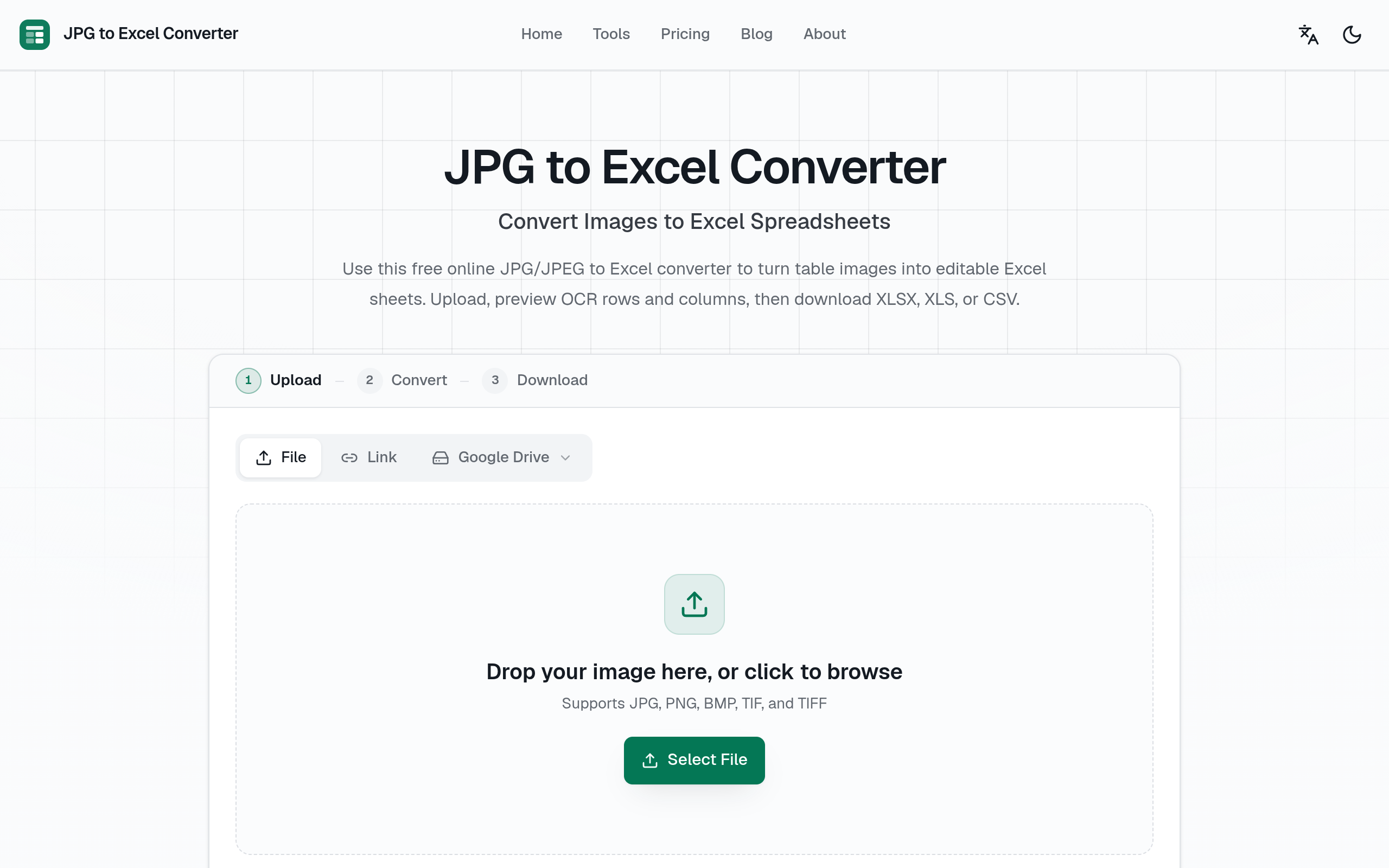
About JPG2Excel
JPG2Excel converts JPG, PNG, and other image-based tables into editable Excel files. It helps students, researchers, office teams, and small businesses turn screenshots or scanned tables into structured spreadsheets without manually retyping every row and column.
JPG2Excel is available at jpg2excel.app. It belongs to the Productivity category on Launch AI Jam, where you can discover and compare similar tools rated by real users. Whether you are an individual looking for a personal productivity boost or a team seeking enterprise-grade AI solutions, JPG2Excel provides the features and flexibility to meet your needs. Explore the community reviews below or visit the official website to get started today.
Use Cases for JPG2Excel
- Students converting photographed tables into spreadsheets
- Researchers extracting data from scanned reports
- Office teams reusing tables shared as screenshots
Why Use JPG2Excel?
✅ Reduces manual retyping
✅ Keeps table data editable
✅ Works with common image formats
Tags
#jpg#png#excel#ocr#spreadsheets#productivity
Discover More on Launch AI Jam
JPG2Excel is just one of hundreds of AI tools listed on Launch AI Jam, the community-driven AI tool directory where builders, creators, and professionals discover the best software to supercharge their workflow. Browse curated collections, upvote your favorites, and find the perfect tool for any task.
Explore All AI Tools →Share
⭐ Reviews (0)
Sign in to leave a review
No reviews yet, be the first to review JPG2Excel!
💬 Discussion (0)
Sign in to join the discussion
No comments yet. Be the first to share your thoughts!